Browse
Game DesignBlock-BasedDual-ModalityJavaScript

MakeCode Arcade

Microsoft

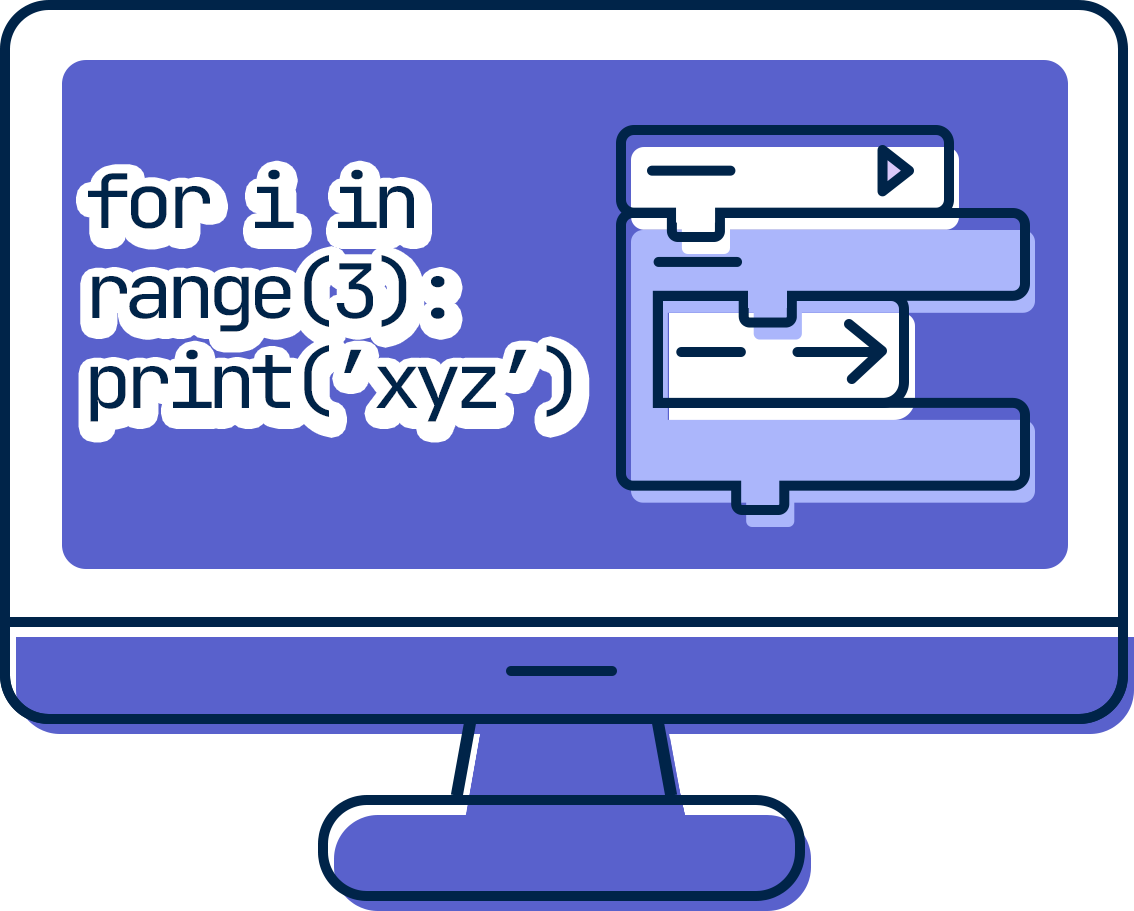
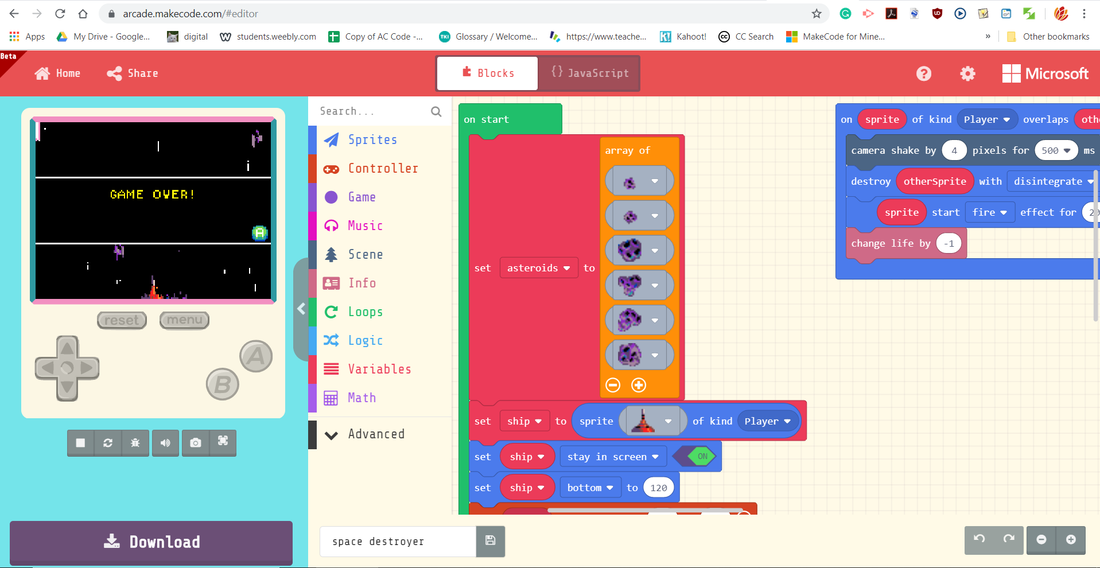
Microsoft MakeCode Arcade is a free, browser-based game development platform designed for teaching computer science concepts through retro-style 2D arcade games. It supports both block-based and text-based coding (JavaScript and Python), allowing learners to transition between modalities. Users can create playable games directly in the browser, download them to compatible handheld gaming hardware, or share them online. MakeCode Arcade emphasizes game design, event-driven programming, and interactive feedback.

Last updated 2026-04-19
GradeMiddle School, High School
CostFree
PlatformWeb, Hardware
Coding TypeBlock-Based, Text-Based, Dual-Modality Programming
HardwareNot required

Motivation

Students are motivated by being able to create and play their own games right away. The built-in simulator lets them test their game instantly, which makes the process feel rewarding and keeps them experimenting. Familiar game elements like movement, scoring, and collisions also make it easier to stay engaged.
Artifact Creation

Students create fully playable 2D games that they can share with others or download to supported devices. These games can include custom characters, sound effects, and game mechanics, giving students something they can actually play and show.

Support for Coding

MakeCode Arcade supports both block-based and text-based coding, which helps students start simple and gradually move into JavaScript or Python. Built-in game features like sprites and physics reduce complexity, so students can focus more on how their game works. The live simulator shows changes immediately, which makes it easier to test and debug.

Key Features

Key features and technical capabilities:

  • Drag-and-drop block-based coding interface
  • JavaScript coding mode
  • Python coding mode
  • Dual-view editor (switch between blocks and text)
  • Built-in 2D game engine
  • Sprite animation system
  • Tilemap-based level design
  • Physics system (velocity, gravity, collisions)
  • Sound effects and music composer
  • Built-in simulator for live preview
  • Hardware deployment support (handheld consoles)
  • Project sharing via URL

Version History

Milestones and release history:

  • MakeCode Arcade Initial Release (2019)
  • Ongoing Updates (Present)

Accessories

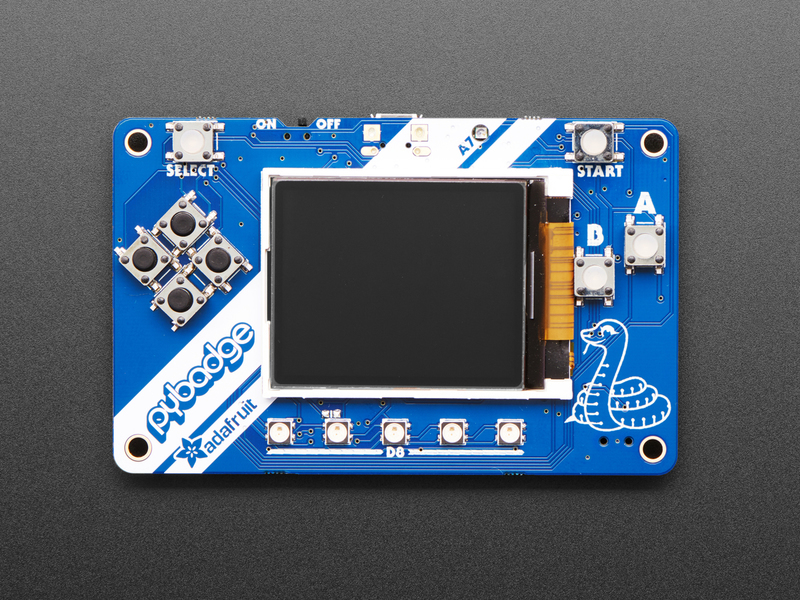
Adafruit PyBadge

Adafruit PyBadge

Handheld gaming device designed for MakeCode Arcade. Students can download and play their games on real hardware with physical buttons and a color display.

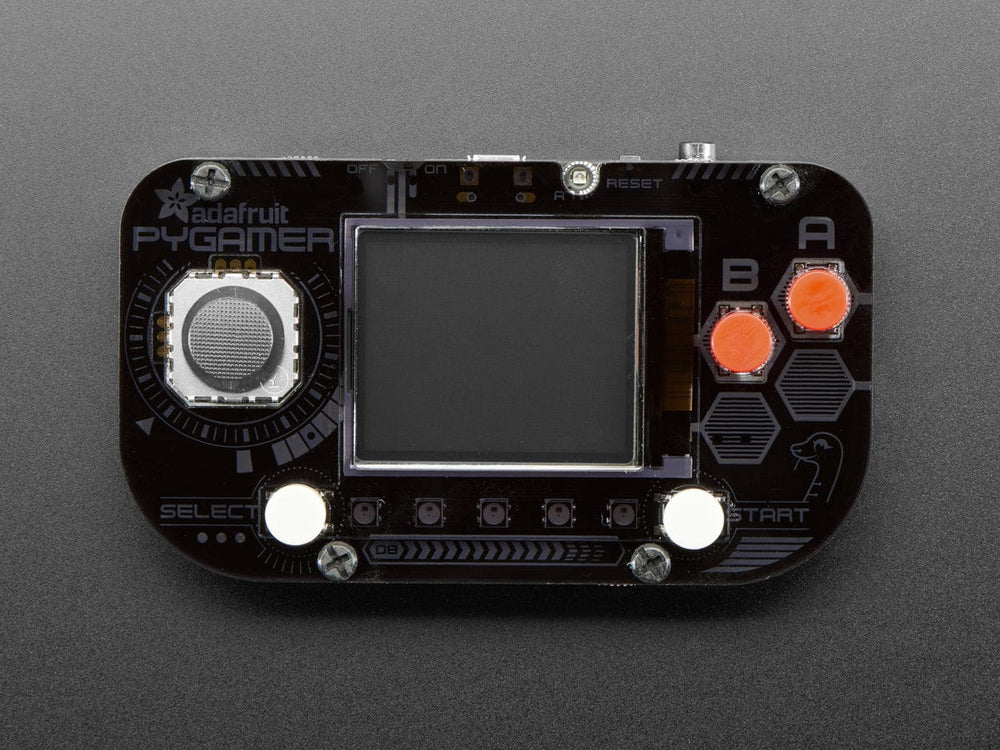
Adafruit PyGamer

Adafruit PyGamer

Advanced version of PyBadge with additional buttons, joystick, and expanded storage. Suitable for more complex classroom game projects.

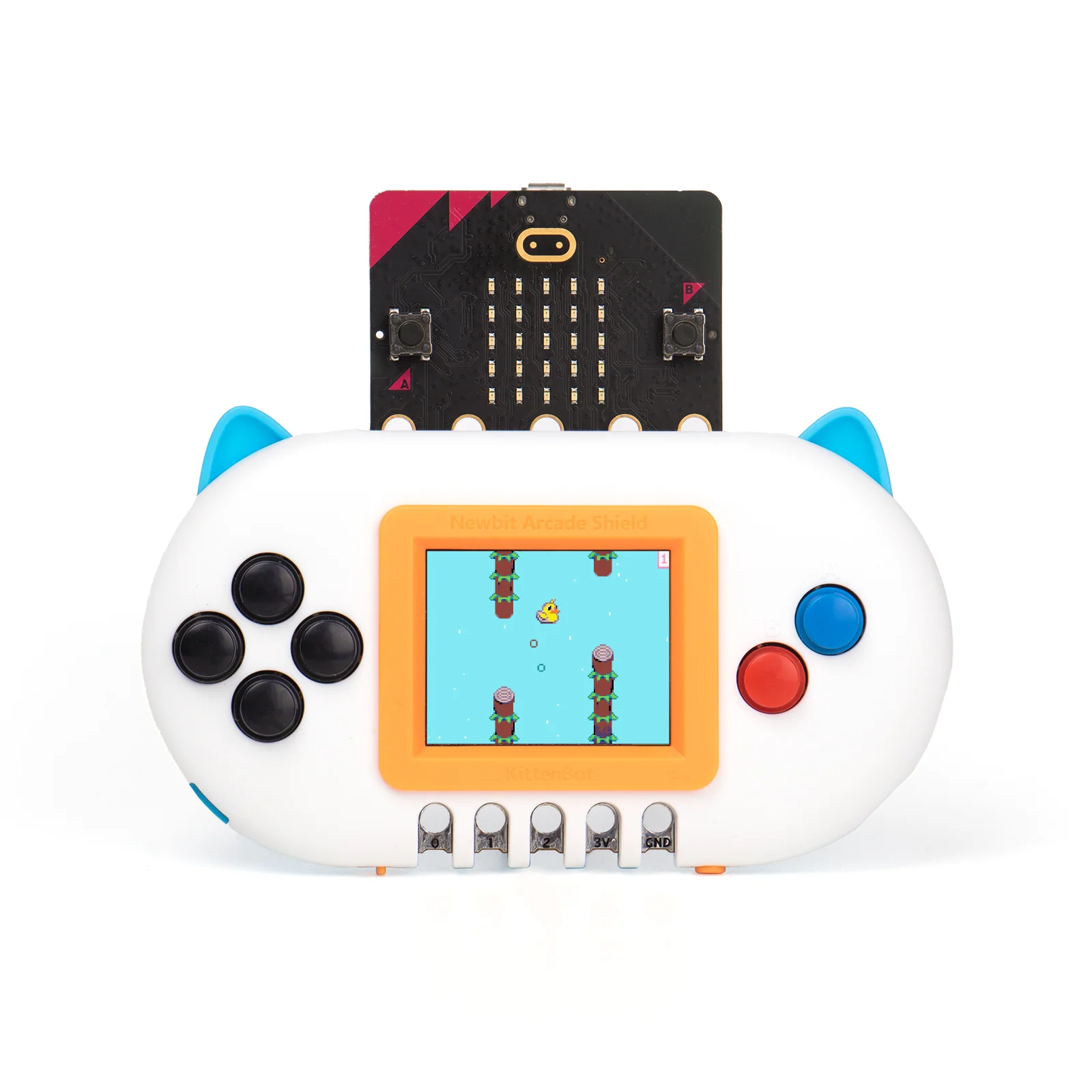
KittenBot Arcade Shield

KittenBot Arcade Shield

Transforms a BBC micro:bit into a playable arcade device with screen and physical controls.